Advanced settings
Discounts, embed code, ticket email text, tracking codes and more.
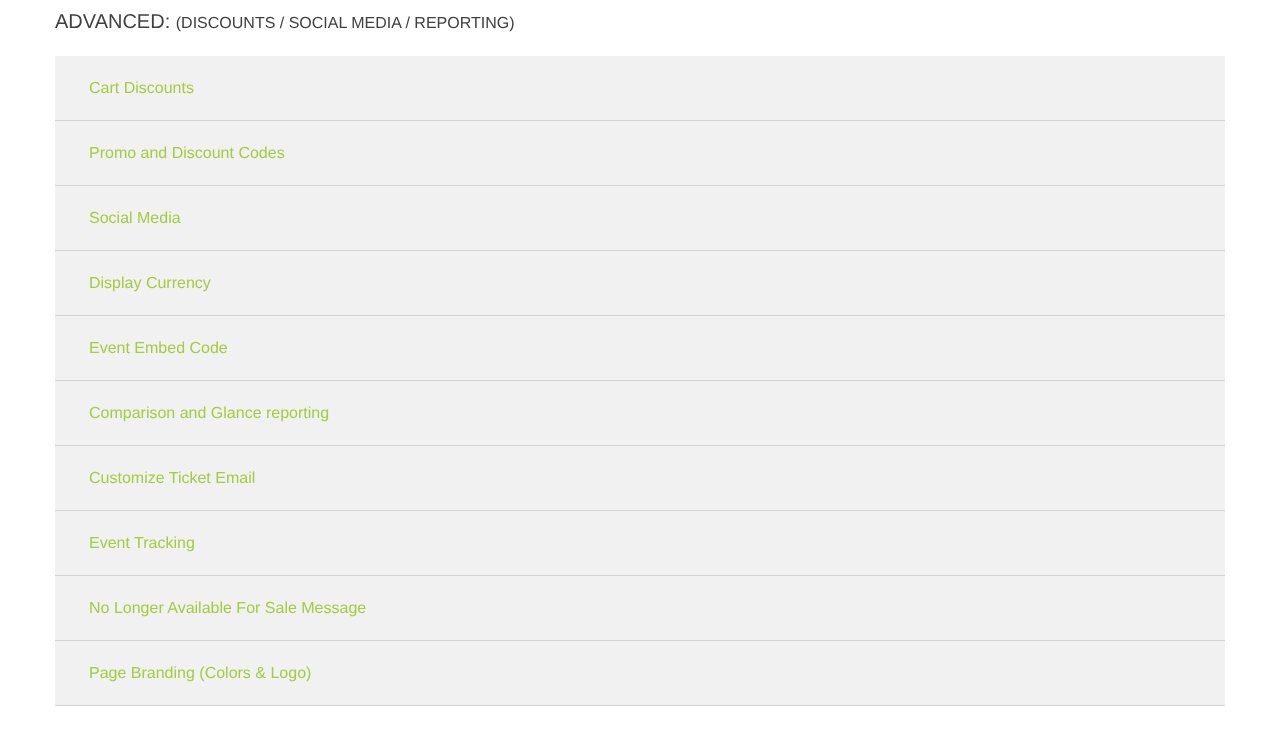
| Setting | What it does |
|---|---|
| Cart Discounts | Group discount (e.g. 10% off 10+ tickets) and named discounts buyers can pick. See Group discounts. |
| Promo and Discount Codes | Codes buyers type in. See Promo codes. |
| Social Media | Links to your Facebook, Instagram and more on the event page. |
| Display Currency | Show prices in USD or CAD. |
| Event Embed Code | A Buy Tickets button or the whole ticket section for your website, with Copy code. See Sell on your website. |
| Comparison and Glance reporting | Link last year's event, set a target, split At a Glance by time slot. |
| Customize Ticket Email | Your own text and picture in the ticket email. See The ticket email. |
| Event Tracking | Meta, TikTok and Google (GA4 and Google Ads) tracking for this event. Leave it blank to use the ones in Edit Profile → Ads & Tracking. |
| No Longer Available For Sale Message | What buyers see after sales end. |
| Page Branding | Different colors for this one event, or turn your logo on or off. See Colors and logo. |
Still stuck? Call 713-303-4094 or send us a message.