Duplicate or delete an event
Copy an event to start the next one, or remove one you don't need.
Duplicate
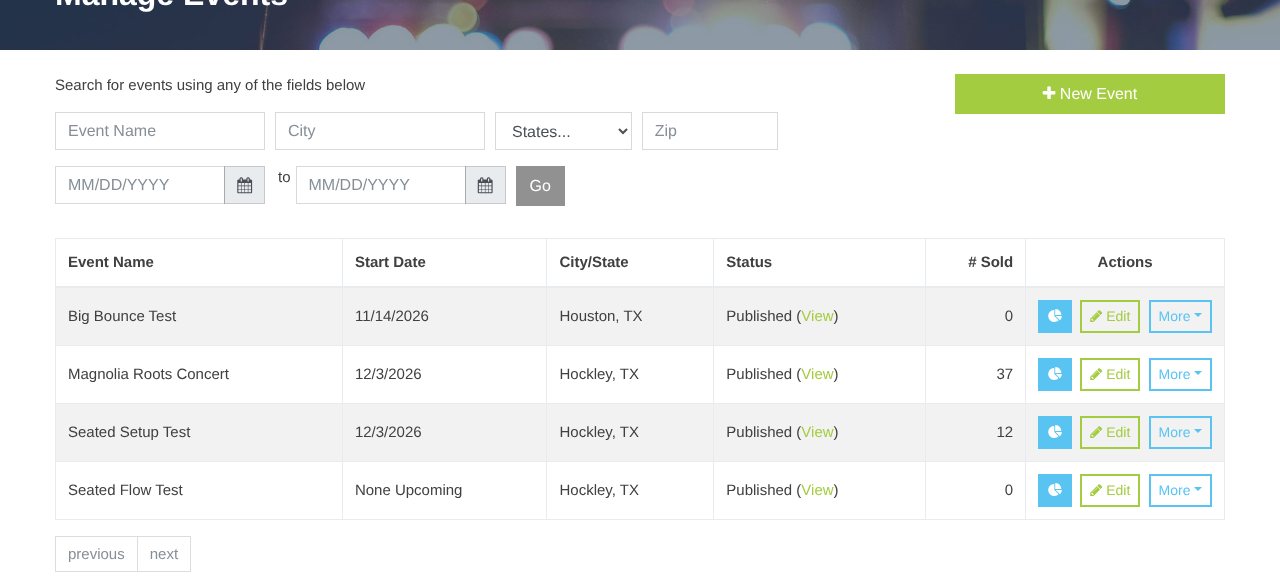
- In Manage Events, open More on the event and click Duplicate Event.
- The copy is named "(Copy)" and starts as Pending, with the same ticket types, sections, promo codes, discounts and dates.
- Re-enter section prices (Reserved Seating) and any promo-code ticket limits; those aren't copied.
- Change the name and dates, then save.
Heads up: The copy remembers the template's seat map, but each new date needs its own seats.io event. Ask the MainGate team to click Make seat map events on the copy (one click for every date).
Delete
More → Delete Event appears only when no tickets have been sold. It can't be undone. For an event with sales, archive its dates instead.
Still stuck? Call 713-303-4094 or send us a message.