Scan tickets at the door
Use the MainGate Check-In app on any phone.
- Get your door login. Every account comes with a scanner login named like Scanner-YourCompany. New accounts get a temporary password (it looks like Door-K7M4-Q2P9) in the welcome email. No password yet? Open the My Events menu (top right) → Manage Users and click Set password. Add more scanners with New User, role Ticket Scanner.
- On the door phone, install MainGate Check-In from the App Store or Google Play.
- Log in with the scanner username and password.
- Open the app while the phone has signal before doors open. It saves today's guest list on the phone so it can keep scanning if the signal drops.
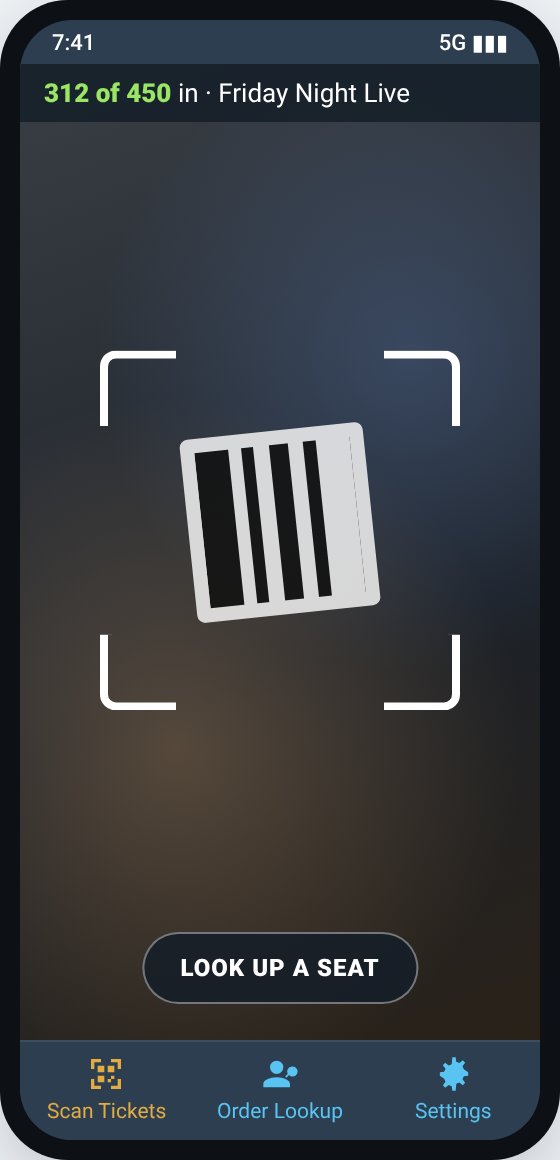
- Scan each ticket's QR code. The whole screen turns green, amber or red and the phone buzzes, so your door staff can tell at a glance.
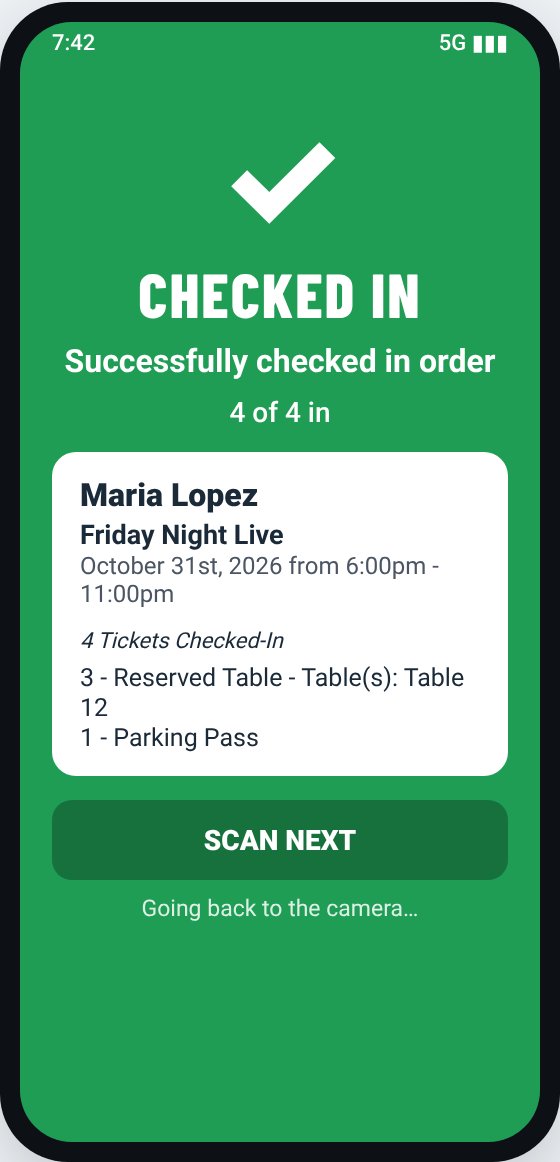
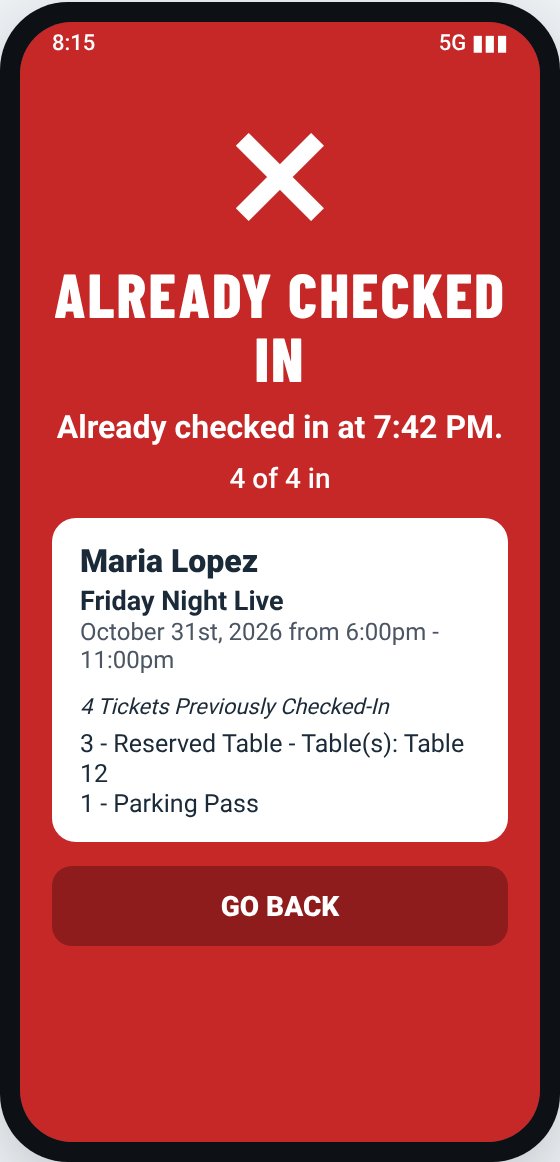
What the colors mean
| Screen | What to do |
|---|---|
| CHECKED IN (green) | Let them in. It goes back to the camera by itself. |
| PARTLY CHECKED IN (amber) | Part of the party is in. The rest can use the same code when they arrive. See Check in part of a party. |
| ALREADY CHECKED IN (red) | This code was already used. It shows the time, for example "Already checked in at 7:42 PM." |
| STOP (red) | Not good for today: wrong day, refunded, or not a MainGate ticket. See What the scanner messages mean. |
Door count
The bar across the top shows how many guests are in for today's shows, like 312 of 450 in. It updates every 30 seconds. Tap it to refresh now. Parking passes and add-ons don't count as guests.
More door tools
Tip: No phone handy? Use the web guest list instead (Check in from the guest list).
Still stuck? Call 713-303-4094 or send us a message.