Find an order
Search by name, email, order number or payment.
- Open the My Events menu (top right) → View Orders.
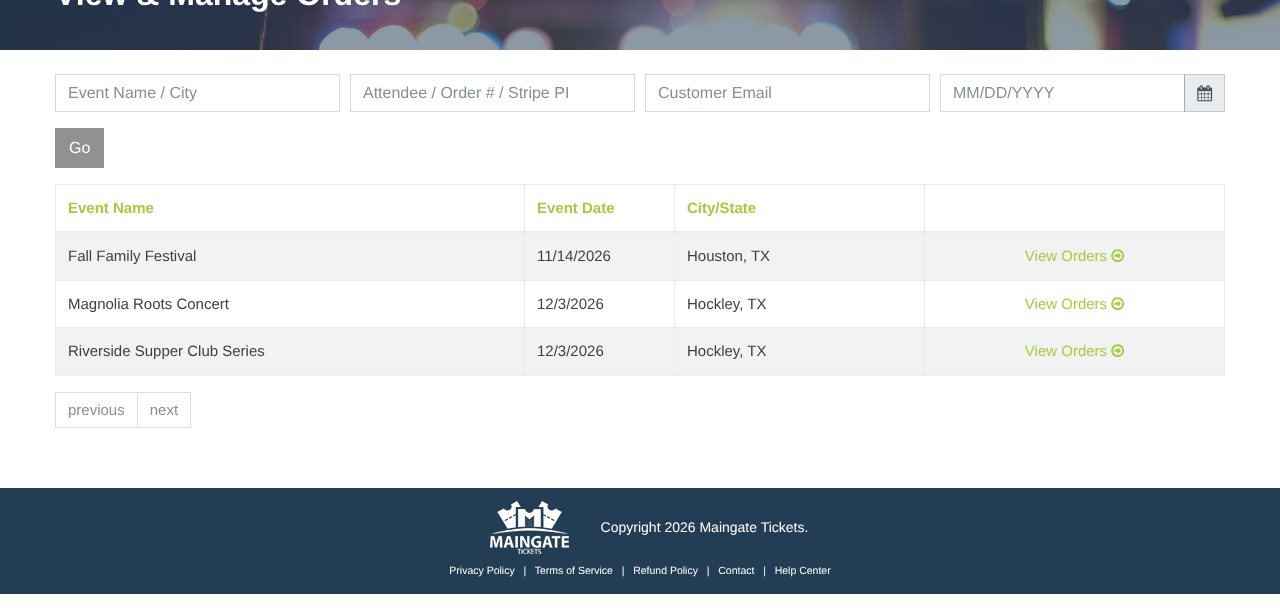
- Search by event, attendee, order #, email or date, and click Go.
- Click View Orders ➜ next to the event.
The event's orders list has its own search (name, email or order #), a date box, a ticket type filter (handy for VIP wristbands) and a seat/table filter.
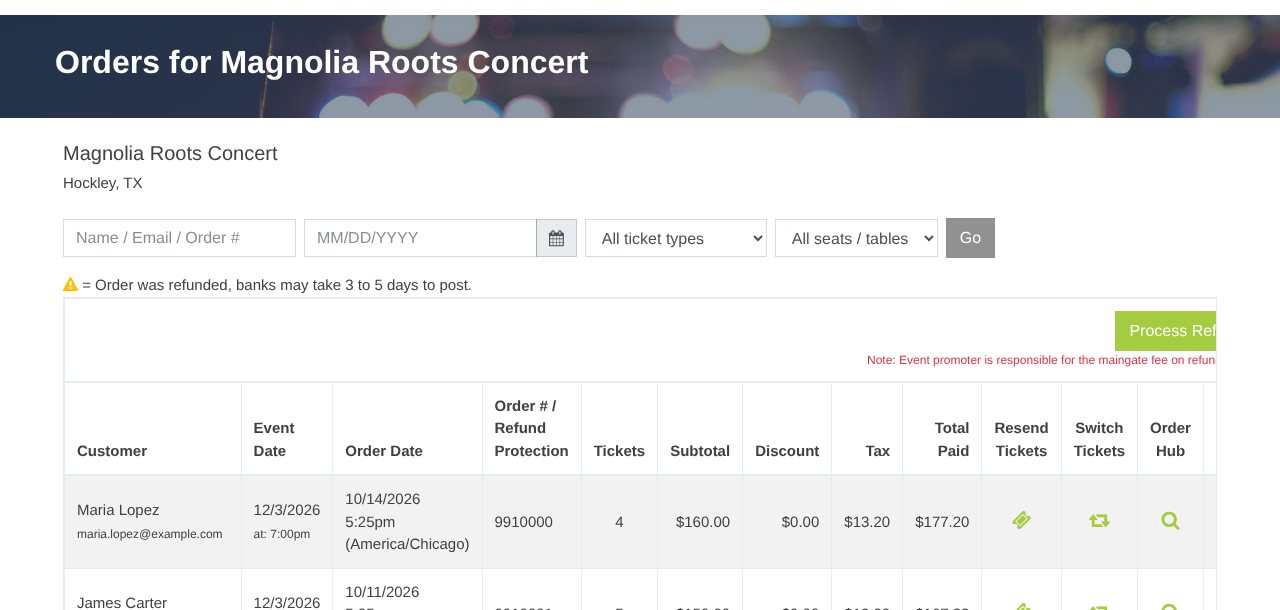
| Icon | Does |
|---|---|
| ? Resend Tickets | Email the tickets again (Resend tickets) |
| ⇄ Switch Tickets | Exchange date, time, tickets or table (Exchange tickets) |
| ? Order Hub | Order details and refunds, when refunds are on for your account (Refund an order) |
| Checkbox | Bulk refunds (Refund many orders) |
Tip: Orange rows were refunded (darker = more of the order refunded).
Still stuck? Call 713-303-4094 or send us a message.