Add logins for your team
Give staff their own login with the right access.
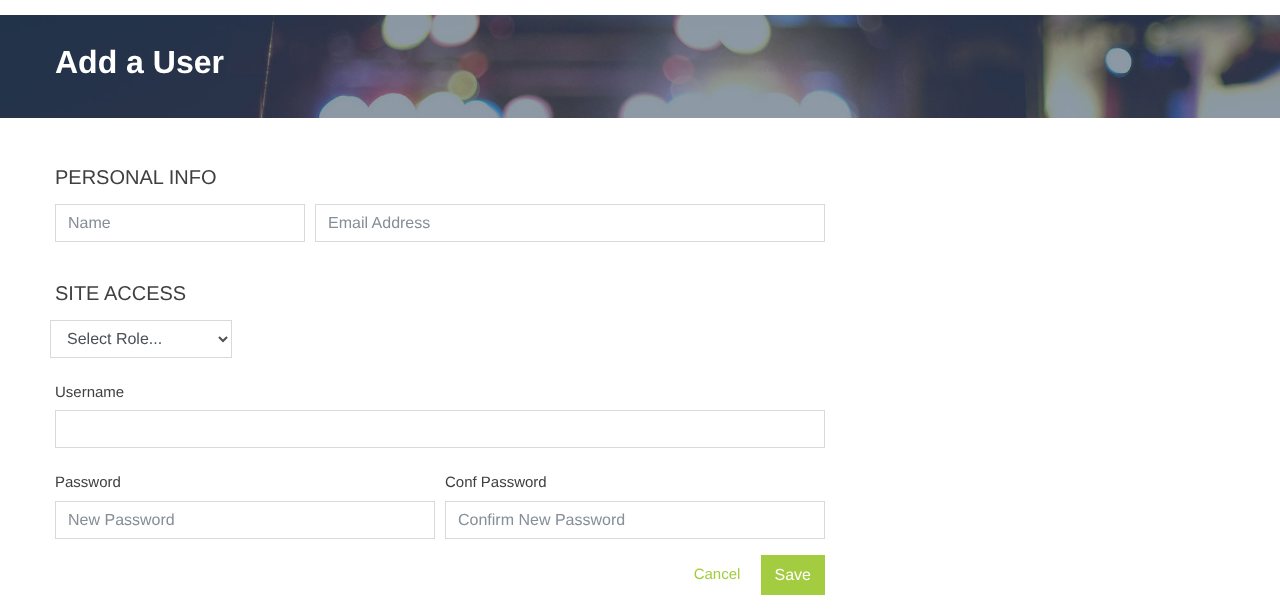
- Open the My Events menu (top right) → Manage Users and click New User.
- Enter their name and email.
- Pick a Role (see What each role can do), a username and password.
- Click Save and give them the login.
Tip: Remove logins for people who leave: click the trash can next to their name.
Still stuck? Call 713-303-4094 or send us a message.