Your company profile
Company details, how you're paid, logo and colors.
- Open My Account → Edit Profile.
- Update the tabs you need and click Save Changes.
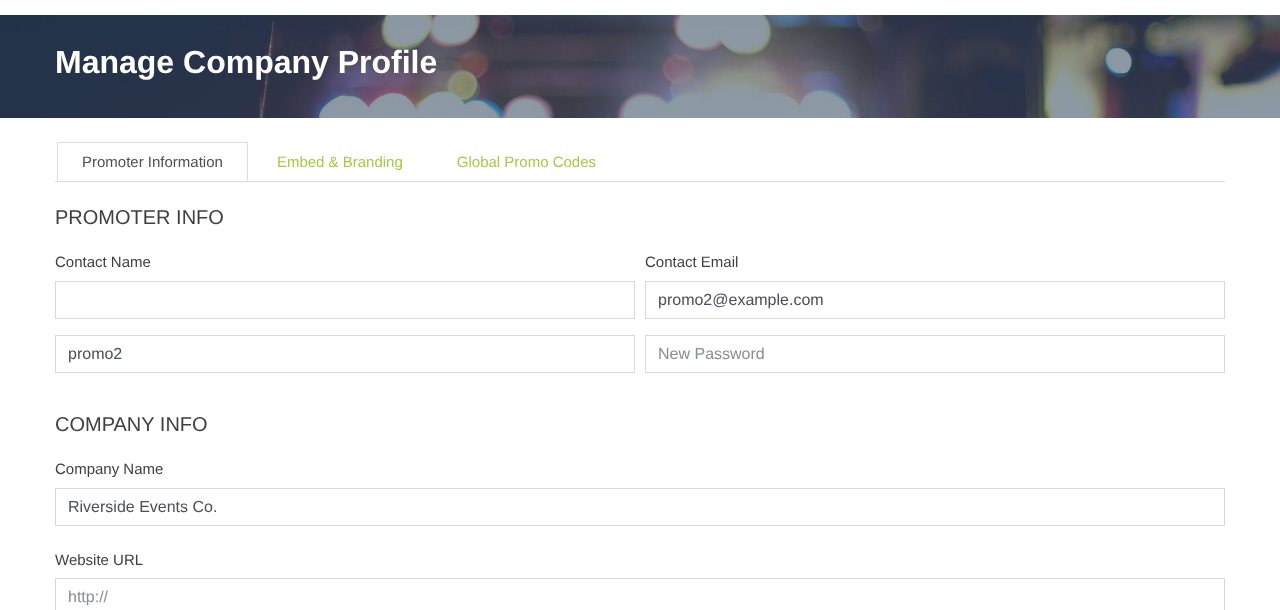
| Tab | What's there |
|---|---|
| Promoter Information | Contact, company info, how you get paid, Square details for the box office |
| Branding (Embed & Branding) | Logo, colors, MainFrame code (Colors and logo) |
| Email Blasts | Mailchimp settings (Email your buyers) |
| Global Promo Codes | Codes for all your events |
Who can do this: the main organizer login (Promoter Admin).
Still stuck? Call 713-303-4094 or send us a message.