Run, download or email a report
Three steps: pick the report, pick dates, pick events.
- Open the My Events menu (top right) → Reports.
- Step One: pick a report. Click the ? next to it to see what it shows.
- Step Two: pick the date range and click Set.
- Step Three: tick the events, then click View Report, Download Report (Excel), Email Report or Download PDF.
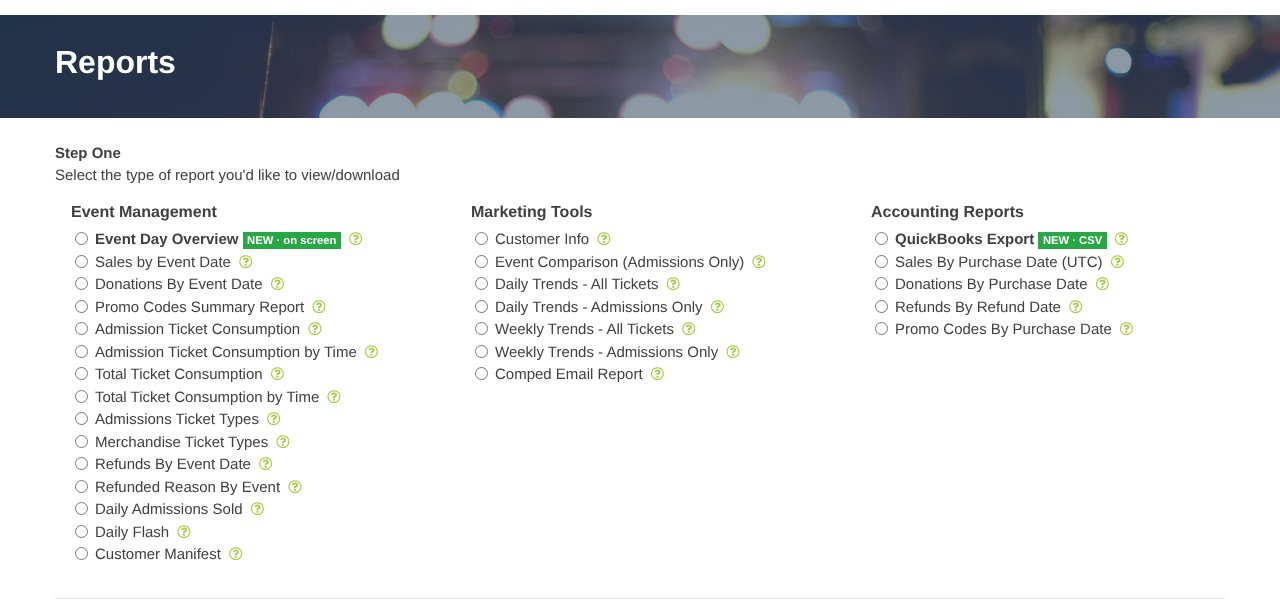
Not sure which one? See Which report should I use?.
Still stuck? Call 713-303-4094 or send us a message.